


Virtual Reality Workspaces: A Browser-Based VR SaaS Playbook for Hybrid Teams
Discover how browser-based, device-agnostic virtual reality workspaces transform hybrid collaboration, training, and onboarding—without downloads, installs, or hardware lock-in.

Key Takeaways
Browser-Based VR Removes Adoption Friction
Running virtual reality workspaces in the browser eliminates downloads, installs, and hardware lock-in, enabling instant access from laptops, mobiles, and headsets.
Hybrid Collaboration Becomes Truly Inclusive
Device-agnostic VR SaaS lets desktop, mobile, and headset users share the same virtual workspace, improving engagement versus flat video calls.
Training and Onboarding Deliver Measurable ROI
Enterprises use virtual reality workspaces for WebXR training and onboarding, cutting travel costs and accelerating time-to-competency with analytics-backed insights.
Security and Accessibility Are Built-In Requirements
HTTPS, SSO, encryption, and accessibility features ensure browser-based VR workspaces meet enterprise security and inclusivity standards, not just novelty expectations.
What Are Virtual Reality Workspaces in the Browser?
Virtual reality workspaces are immersive, 3D environments where teams meet, collaborate, and learn as if they were in the same physical room—but from any location. In a browser-based VR SaaS model, these workspaces run entirely over HTTPS in a standard web browser, using WebXR and WebGL. That means employees can join from laptops, tablets, phones, or VR headsets without installing native apps or managing complex updates.
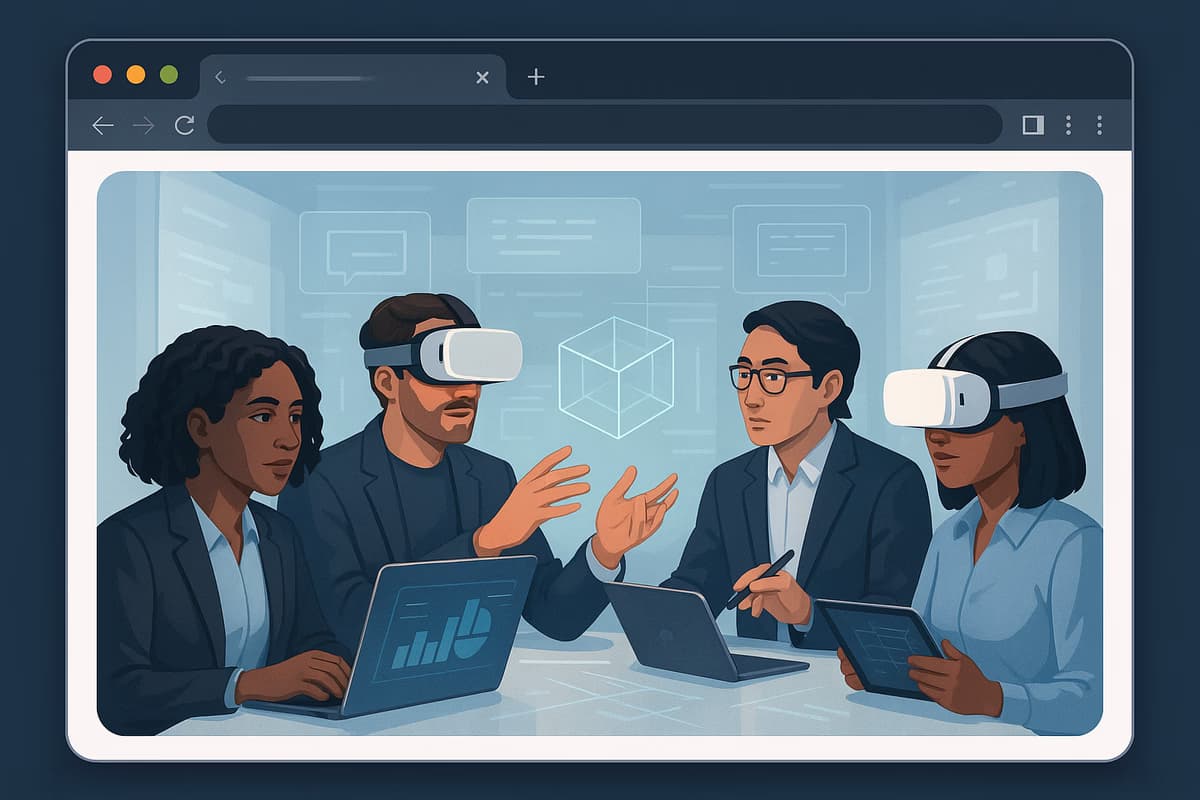
For enterprises, this device-agnostic approach removes the biggest friction points that have historically slowed VR adoption: downloads, installs, and hardware standardization. A browser-first virtual reality workspace lets a sales leader on a laptop, an engineer in a headset, and an HR manager on a tablet join the same session instantly via a secure URL. This flexibility turns VR from a niche pilot into a scalable collaboration layer that fits existing IT, security, and training workflows.
Business Impact: Why Virtual Reality Workspaces Beat Traditional Collaboration
Virtual reality workspaces outperform traditional video conferencing when tasks require deep engagement, spatial understanding, or practice. Research from PwC has shown VR learners can be up to 4x faster to train and 275% more confident to apply skills compared with classroom training. When delivered as a VR SaaS browser solution, these gains are achievable without travel, room bookings, or dedicated hardware fleets—driving measurable ROI in onboarding, safety training, and complex product education.
From a business perspective, virtual reality workspaces can reduce travel costs by enabling immersive workshops, sales kickoffs, and customer demos online. A global team that previously flew quarterly for in-person sessions can shift 50–70% of those events into browser-based VR, cutting flight and accommodation costs while maintaining interaction quality. At the same time, HR and L&D teams gain analytics on participation, completion, and engagement that are impossible in static video calls, enabling continuous optimization and clearer justification for budget allocation.
Key Capabilities of Device-Agnostic, Browser-Based VR Workspaces
Modern virtual reality workspaces provide a rich feature set designed for hybrid collaboration. Core capabilities typically include spatial audio, multi-user avatars, shared 3D content, and persistent rooms that teams can revisit. Because the platform runs in the browser, users join via secure links—no downloads, no installs, instant access. This significantly reduces IT support overhead and makes it easier to invite external stakeholders, partners, or customers for time-bound sessions without onboarding friction.
Hybrid collaboration is a first-class use case. Desktop, mobile, and headset users can work together in the same virtual environment, each with an interface optimized for their device. A developer might join via a VR headset for full immersion, while a CIO joins from a laptop to observe and make decisions. Browser-based VR SaaS platforms often integrate with SSO providers, calendar tools, and LMS or CRM systems, enabling seamless scheduling, user provisioning, and data sync. This integration-friendly approach lets enterprises embed VR workspaces into existing digital ecosystems rather than creating isolated pilots.
Security, Privacy, and Accessibility in Enterprise VR SaaS
Security and compliance are non-negotiable for enterprise adoption of virtual reality workspaces. A robust browser-based VR SaaS platform should enforce HTTPS for all traffic, support SSO (SAML, OAuth, OpenID Connect), and offer end-to-end or transport-level encryption for media streams. Role-based access control, audit logs, and region-aware data hosting help IT and security teams align VR deployments with corporate policies and regulatory requirements, from SOC 2 to GDPR. These controls are essential when sessions involve proprietary product designs, customer data, or confidential strategy discussions.
Accessibility is equally important. Because the platform runs in the browser, it can leverage built-in operating system and browser accessibility features such as screen reader support, high-contrast modes, and keyboard navigation. Non-headset users can navigate via mouse and keyboard, while optional captions and text chat support participants with hearing or speech differences. By being device agnostic, virtual reality workspaces avoid excluding employees who do not have access to headsets or have motion-sensitivity concerns, ensuring inclusive collaboration across the organization.
High-Value Use Cases and ROI Metrics for Virtual Reality Workspaces
Virtual reality workspaces shine in scenarios where traditional tools fall short. Common high-impact use cases include immersive onboarding, safety and compliance training, sales and product demos, design reviews, and virtual events or town halls. For example, a manufacturing firm can run WebXR training scenarios where employees practice lockout/tagout procedures in a safe virtual environment, while an HR team uses a branded VR workspace to onboard remote hires with interactive culture tours, role-play exercises, and live Q&A—all accessible in the browser.
To evaluate ROI, organizations should track metrics across cost, time, and engagement. Cost metrics might include travel reduction (e.g., 40–60% fewer in-person training trips), venue and logistics savings, and lower hardware spend by leveraging existing devices. Time metrics include faster onboarding cycles, shorter time-to-competency, and reduced scheduling friction. Engagement metrics can cover attendance rates, session duration, completion rates for training modules, and knowledge retention scores. When combined with internal analytics dashboards and integrations ([Link to Pricing], [Link to Case Study]), these metrics give leaders a clear view of how virtual reality workspaces contribute to productivity, revenue, and employee experience.
Implementation Strategy, FAQs, and Conclusion for Virtual Reality Workspaces
A successful rollout of browser-based virtual reality workspaces should follow a structured implementation strategy. Start with a focused pilot—such as onboarding or one critical training workflow—where success metrics are clear and measurable. Involve IT, security, and L&D stakeholders early to validate SSO, network configurations, and content requirements. Next, design repeatable templates for sessions (e.g., standard onboarding rooms, sales demo environments) so teams can self-serve without rebuilding from scratch. Finally, scale by integrating the VR SaaS browser solution with systems like LMS, HRIS, or CRM and by enabling champions in each business unit to drive adoption.
Frequently asked questions often center on hardware, performance, and change management. Enterprises typically ask whether employees need headsets (they do not—desktop and mobile are fully supported), how the platform performs on lower-spec devices (adaptive rendering and bandwidth management are key), and how to support global teams across time zones (persistent rooms and asynchronous content help). In conclusion, virtual reality workspaces offer an outcome-focused path to deeper engagement, faster learning, and more effective hybrid collaboration—without the friction of installs or hardware lock-in. To see how this could work for your organization, invite a cross-functional team to review pricing options and then explore real-world case studies before you book a live demo and try it instantly in your browser.